
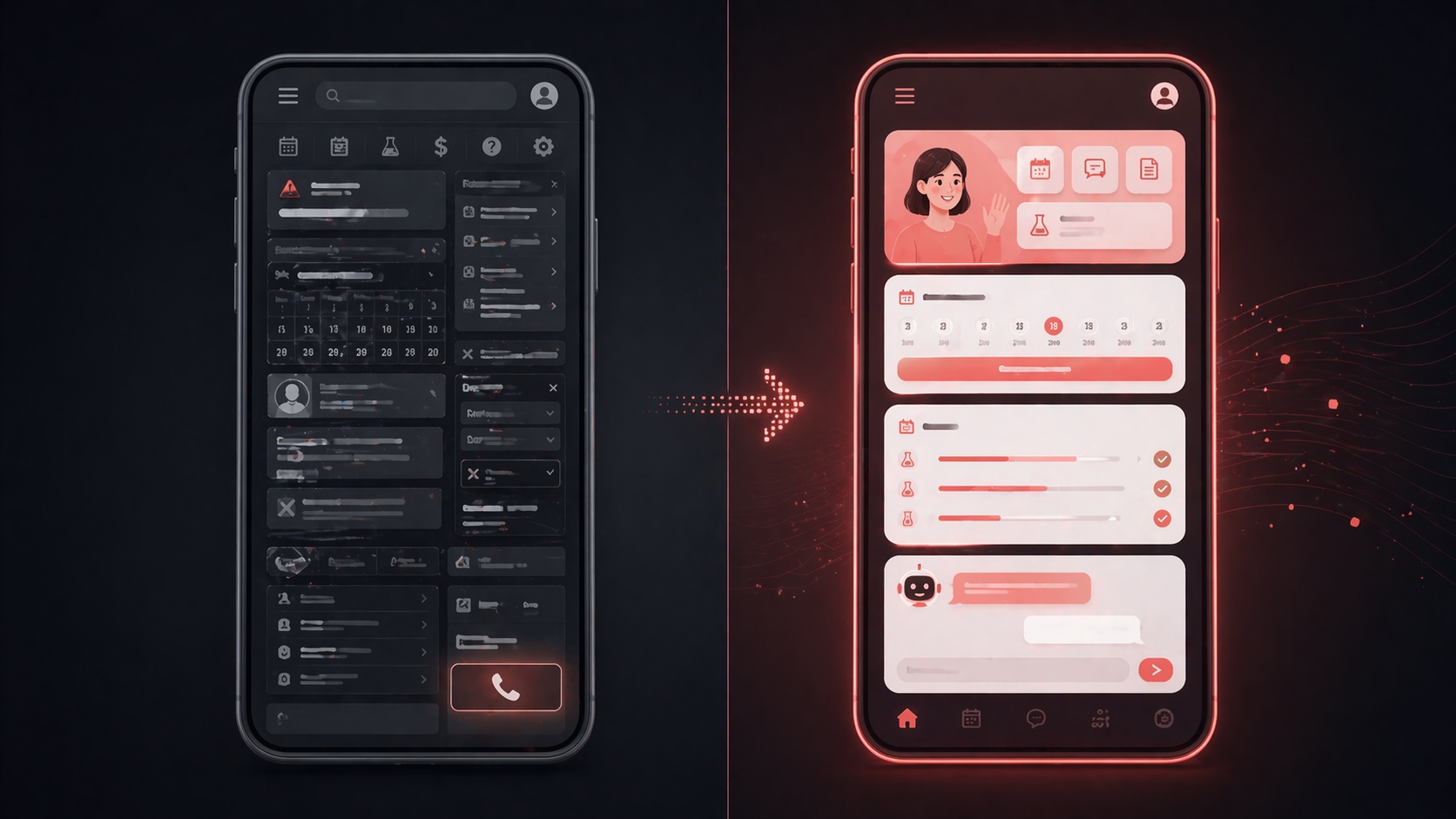
What is patient portal UX and why does it fail?
Patient portal UX refers to how patients interact with healthcare systems online — scheduling appointments, viewing lab results, messaging providers, and managing billing.
Most portals fail because they are designed around internal workflows instead of patient behavior, leading to low adoption, high frustration, and increased call volume.
Why patients abandon healthcare portals
A typical experience:
A patient tries to reschedule an appointment → gets stuck in confusing dropdowns → sees no availability → ends up calling the front desk.
This is not a usability issue. It is a systemic design failure rooted in the same architectural problems outlined in why healthcare software fails.
Despite billions in investment:
- Portal adoption: ~40–50%
- Active usage: ~25%
Patients are not the problem. The system is.
The 7 biggest patient portal UX failures
1. Authentication friction
Complex passwords, lockouts, and broken reset flows stop patients before they even enter.
Fix:
- Biometric login (Face ID, fingerprint)
- Magic links via SMS
- Passwordless authentication
2. Scheduling confusion
Patients are forced to choose:
- Provider
- Location
- Visit type (often 30–50 unclear options)
Fix:
Natural language scheduling:
“I need a follow-up in the next two weeks”
The system determines everything else.
3. Lab results without context
Patients see numbers like:
“BUN: 22 mg/dL (7–20)”
No explanation → anxiety → phone calls.
Fix:
- Traffic-light indicators
- Plain-language summaries
- Trend visualization
These capabilities depend on modern healthcare data pipeline architecture.
4. Broken messaging systems
Patients send messages → responses arrive days later → hidden behind portal login.
Fix:
- Deliver responses via SMS/email/push
- Include message content directly
- AI triage + instant responses
5. Mobile-first failure
Most portals are desktop-first designs shrunk onto phones.
Fix:
- True mobile-first UX
- Large tap targets
- Swipe interactions
- Camera integrations
6. Accessibility gaps
Many portals fail basic accessibility:
- Poor contrast
- Small fonts
- No screen reader support
Fix:
- WCAG 2.1 AA compliance
- Multilingual support
- Voice navigation
7. Billing opacity
Patients receive bills with no explanation.
Fix:
Clear breakdown:
- What happened
- What insurance covered
- What the patient owes
One-click actions:
- Pay
- Set payment plan
- Dispute
The patient portal UX architecture that works
Task-first design (not feature-first)
Instead of dashboards, show actions:
- Confirm appointment
- View results
- Pay bill
- Read message
No unnecessary navigation.
Progressive disclosure
Start simple → reveal complexity only when needed.
Example:
Lab results flow:
Summary → Explanation → Details → Trends
Channel-agnostic communication
The portal is just one channel.
Use:
- SMS → quick actions
- Email → detailed info
- Push → urgent alerts
- Portal → full records
Patients should not need to “log in” for simple actions.
This aligns with adaptive system design principles in the adaptive UX engine.
The business impact of fixing patient portal UX
Reduced call volume
Each avoided call saves $8–15
Higher patient satisfaction
Direct impact on HCAHPS and reimbursement
Increased collections
+20–35% with better UX
Fewer no-shows
-25–40% with smart reminders
These inefficiencies are part of the broader issue described in the $150B healthcare IT waste problem.
The Bottom Line
Patient portals fail when they are built for systems instead of people.
The solution is not adding features.
It is rebuilding the experience around:
- Tasks
- Simplicity
- Context
- Real-world behavior
What HyperTrends Builds
HyperTrends designs patient portal experiences that patients actually use:
- Mobile-first
- Task-driven
- Accessible
- Multi-channel integrated
We do not patch broken portals. We rearchitect them.
Ready to build a patient portal that reduces calls instead of creating them?

